
Choose what to make.
Start from an example or pick an exact asset type. Your choice opens in the workspace, ready for a short prompt.
Open the studioSee what you can create


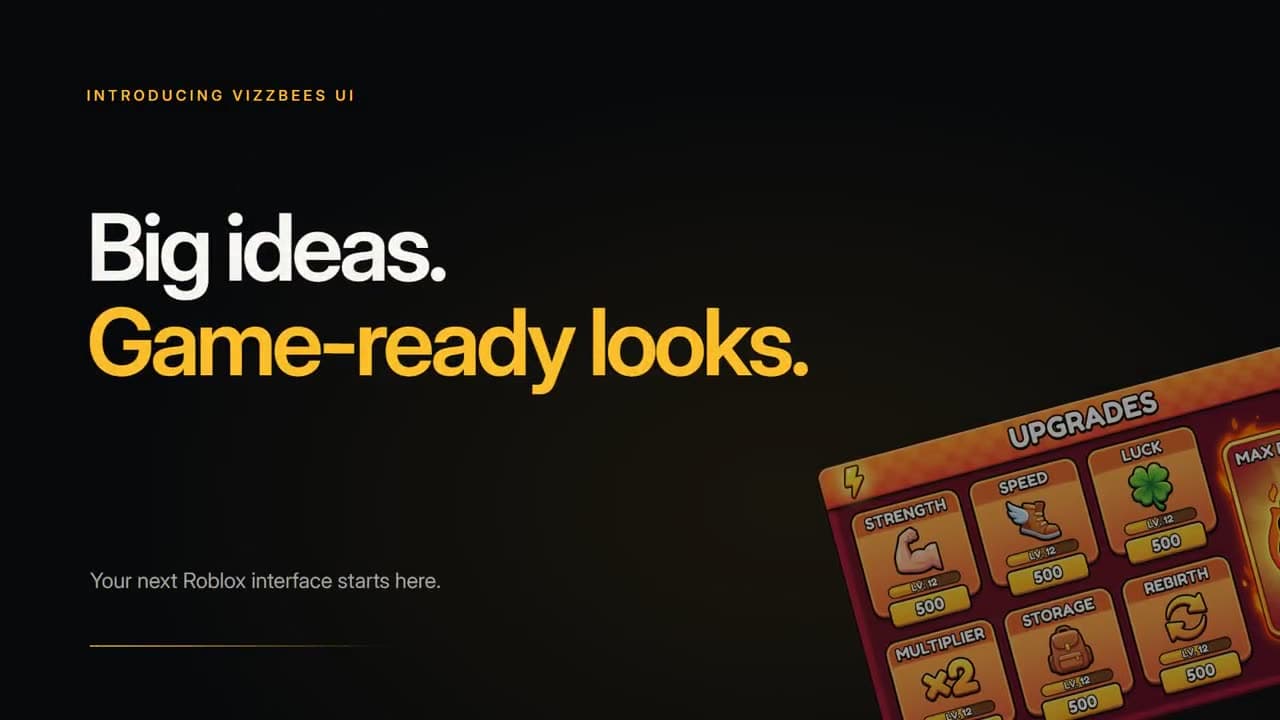
Current VizzBees thumbnails and UI Maker demo. Your result follows your own prompt and references.
Find your asset type
Thumbnails
Pick the game or platform you are creating for.


Icons, textures & GFX
Small assets and rendered game art.
Clothing
Roblox shirt and pants templates.
Banners
Channel and community headers.
Sound and workspace
Free browser tools — no signup
Update icon maker
Turn any image into a classic Roblox update icon — hourglass timer, maintenance wrench, gift box or featured star, with your own text.
Badge & stamp maker
"NEW!" stamps, "Coming Soon" badges and sale ribbons for gamepass and dev-product promos. Transparent PNGs, ready to drop in.
Background remover
Isolate a character render from its background in one click. Best on solid-color backgrounds.
Palette extractor
Pull the dominant hex colors out of any reference image — and copy them as a ready-to-paste generation prompt.
Mobile thumbnail preview
See your thumbnail at the size it actually renders in a phone feed, and catch unreadable text before you ship it.