
If your Roblox thumbnails look blurry, get cropped, or won't upload, the cause is almost always the wrong size or format. Roblox uses several different image slots — icon, gallery thumbnails, videos — and each has its own dimensions. Get them wrong and even great art renders soft or lands off-center.
This is the complete, up-to-date size guide for 2026. Every dimension, aspect ratio, file format, and the resolution tricks that keep your art crisp — all in one place you can bookmark.
Quick-reference: Roblox thumbnail sizes at a glance
| Asset | Recommended size | Aspect ratio | Format | Max file size |
|---|---|---|---|---|
| Game icon | 512×512 px | 1:1 (square) | PNG (or JPEG) | 8 MB (aim <2 MB) |
| Gallery thumbnail | 1920×1080 px | 16:9 | PNG (or JPEG) | 8 MB (aim <2 MB) |
| Gallery thumbnail (minimum) | 768×432 px | 16:9 | PNG (or JPEG) | 8 MB |
| Gallery video | 1920×1080 px | 16:9 | MP4/MOV upload | per Roblox limits |
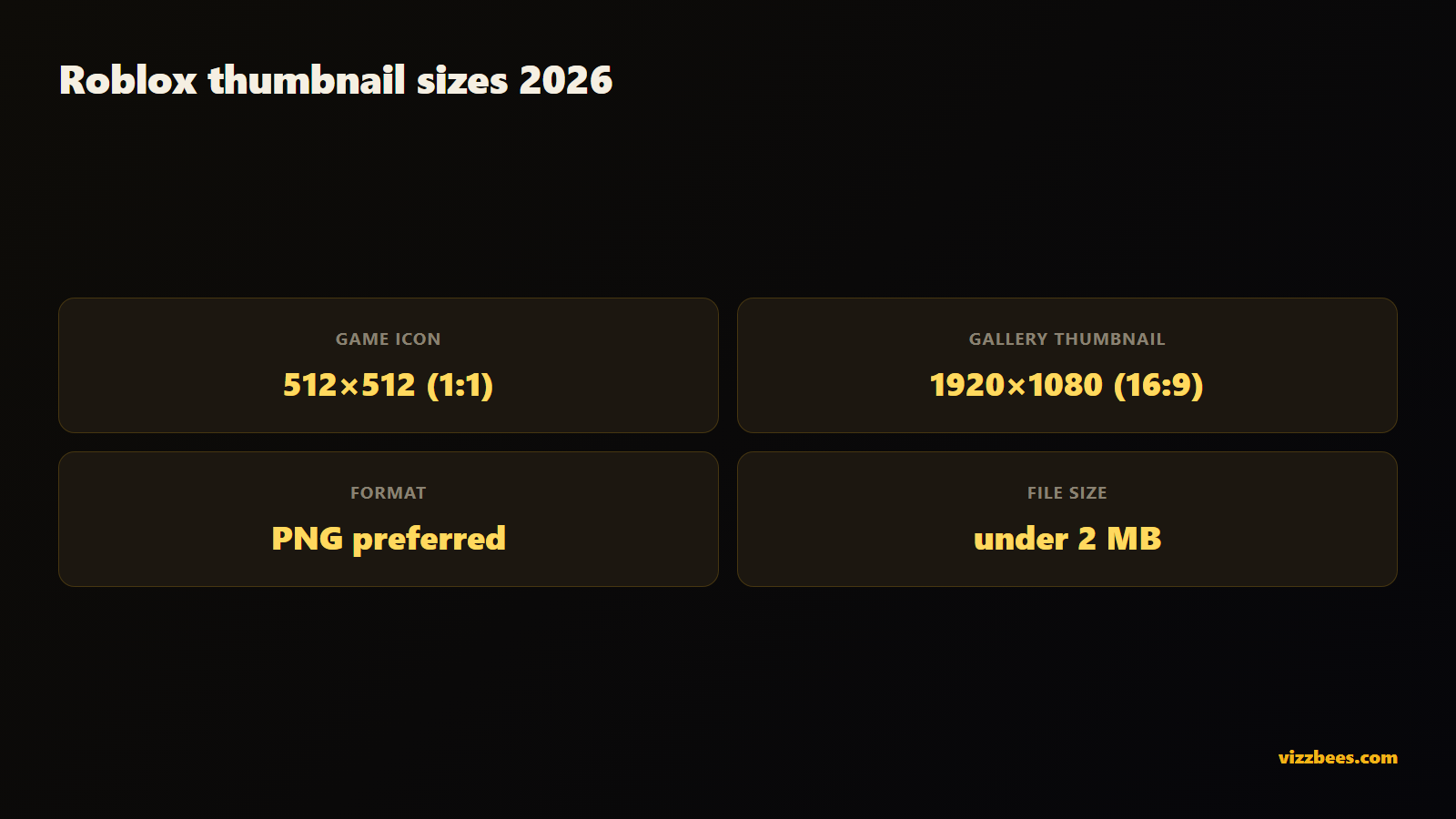
If you remember nothing else: icon = 512×512 square, gallery = 1920×1080 widescreen. Everything below is the detail behind those two numbers.
Roblox game icon size
The game icon is the square tile that represents your experience across the entire platform — search results, the home page, recommended rows, and your game's detail page.
- Size: 512×512 px is the standard. Roblox accepts a minimum of 512×512; there's no benefit to going smaller and every reason not to.
- Aspect ratio: 1:1. It must be a perfect square or it will be cropped.
- Format: PNG is best for sharp edges and text. JPEG works but can introduce compression artifacts around hard lines.
- Where it renders small: in the feed, your icon can display at roughly 150×150 px. That's the size that actually matters — design for it.
Sharpness tip: create your icon at 1024×1024, then export down to 512×512. Downscaling from a larger canvas keeps edges and text clean. Never upscale a small image to hit 512 — it'll look soft and low-effort.
Roblox gallery thumbnail size
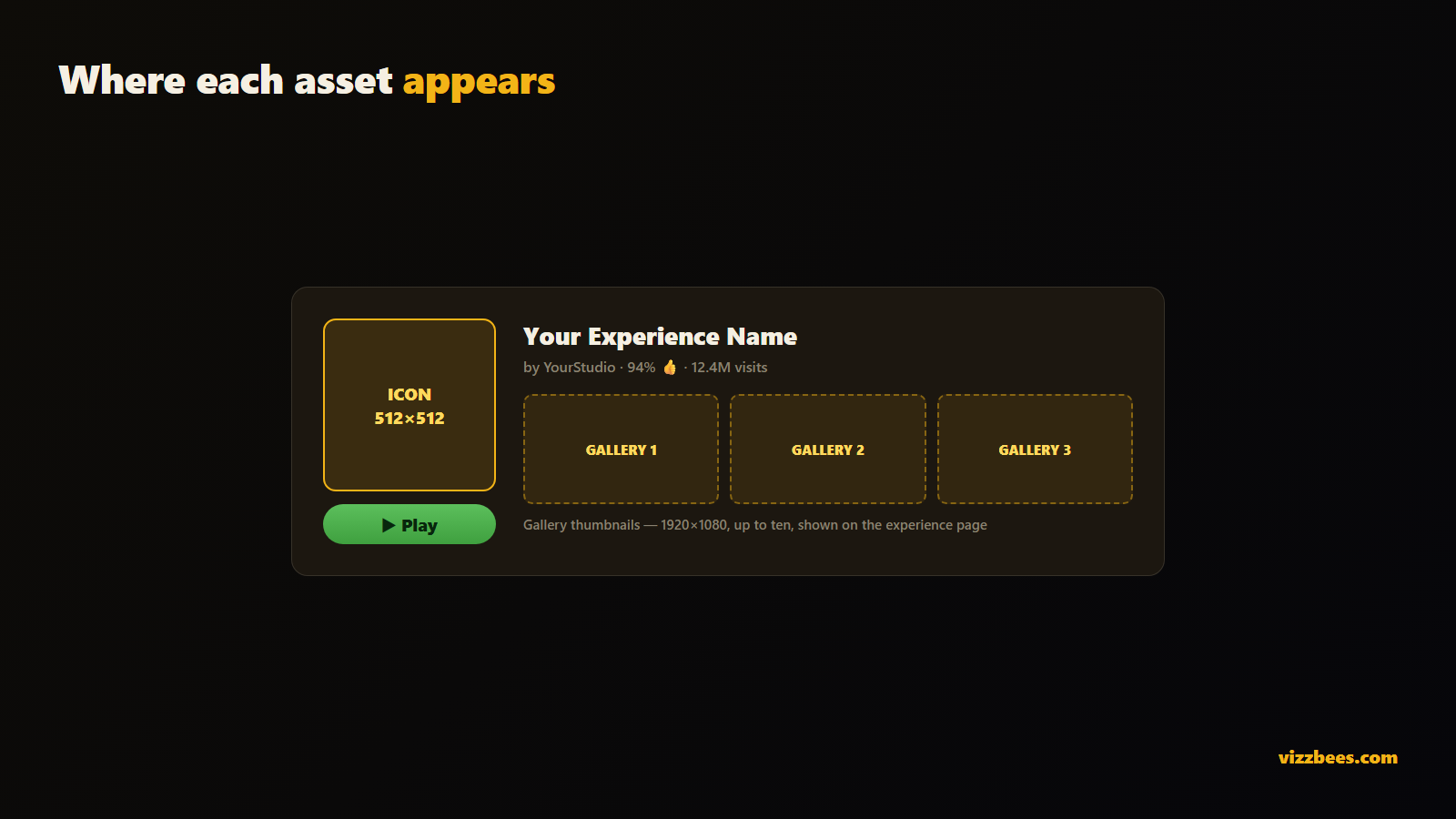
Gallery thumbnails are the larger images (and videos) in the carousel on your experience page. You can upload up to ten.
- Size: 1920×1080 px is the recommended target. The older minimum of 768×432 still works, but 1920×1080 looks noticeably crisper on modern displays.
- Aspect ratio: 16:9 widescreen, always. Off-ratio images get letterboxed or cropped.
- Format: PNG or JPEG. PNG for graphics with text and hard edges; JPEG is fine for photographic scenes.
- File size: the hard cap is 8 MB, but keep each under 2 MB so your page loads fast on mobile.
Design tip: work at 1.5–2× (e.g. 2560×1440 or 3840×2160) and scale down to 1920×1080 on export. This preserves detail and gives you a high-res master to reuse for YouTube or socials.
Roblox icon vs thumbnail: what's the difference?
This trips up almost every new creator, so it's worth stating plainly:
- The icon is one square image (512×512) whose only job is to earn the click in the feed. It has to work tiny and instantly.
- The thumbnails are up to ten 16:9 gallery images (1920×1080) whose job is to convince someone who already clicked that your game is worth playing.
Put differently: the icon drives click-through rate; the gallery thumbnails drive the play decision. They should share a visual style for brand recognition, but they solve different problems. The icon must be bold and simple enough to read at 150 px. The gallery can show richer scenes, multiple modes, or update highlights because players view it larger.
A common mistake is treating them as interchangeable — reusing a busy gallery image as the icon, where all its detail collapses into mush at feed size. Design the icon for the feed and the gallery for the page.
File format and quality: PNG vs JPEG
- PNG — the safe default. Lossless, crisp text, clean edges, supports transparency. Best for icons and any thumbnail with bold text or graphic elements.
- JPEG — smaller files, fine for purely photographic or painterly scenes with no hard-edged text. Watch for compression artifacts (halos around edges).
- Avoid uploading anything upscaled from a low resolution. Roblox won't add detail that isn't there, and soft thumbnails read as low-effort in a competitive feed.
Keep files under 2 MB where you can. It won't change how they look, but it speeds up load times — and faster pages help retention.
Why the right size = more plays
Size isn't only about avoiding crop and blur. It's the foundation of your qualified play-through rate (QPTR) — the percentage of players who see your thumbnail and decide to play. A pixel-perfect, sharp, correctly-cropped icon simply out-performs a soft or awkwardly-framed one. Top games in a genre reach a QPTR around 3.6%; getting your sizes and framing right is table stakes for competing there.
So the full recipe is: correct dimensions + high-CTR design. This guide covers the first half. For the design half — composition, color, text, and emotion — see our companion guide on how to make a Roblox thumbnail that gets clicks.
The fastest way to get correctly-sized thumbnails
Even with the specs above, exporting perfectly-sized, sharp assets by hand — icon at 512×512, gallery at 1920×1080, both crisp and on-brand — takes time and a design tool. AI generators built for Roblox handle the sizing for you: they output icons and 16:9 thumbnails at the exact correct dimensions automatically, so there's no manual resizing, cropping, or format guesswork.
Skip the resizing: Generate correctly-sized Roblox thumbnails with VizzBees — every asset comes out at the right dimensions (512×512 icon, 1920×1080 gallery), sharp and ready to upload.
Beyond Roblox: Fortnite and YouTube sizes
If you also make content, the sibling standard is worth knowing: YouTube and Fortnite thumbnails are 1280×720 px (16:9) — the same widescreen ratio as Roblox gallery thumbnails, just a different resolution. If you design a Roblox gallery image at 1920×1080, it downscales cleanly to a matching YouTube thumbnail at 1280×720, letting you keep one consistent look across your game page and your channel.
One style, every platform: VizzBees generates Roblox, Fortnite, and YouTube thumbnails so your branding stays consistent everywhere. Try it free →
FAQ
What is the correct Roblox thumbnail size? Game icons are 512×512 px (1:1 square) and gallery thumbnails are 1920×1080 px (16:9 widescreen). Use PNG, keep files under 2 MB, and design larger before scaling down.
What size is a Roblox game icon? 512×512 pixels, a perfect square. It renders as small as ~150×150 px in the feed, so design it to stay clear at that size.
What's the difference between a Roblox icon and a thumbnail? The icon is the single square tile that earns the click in the feed; gallery thumbnails are the up-to-ten 16:9 images on your experience page that convince players to play. The icon drives click-through; the gallery drives the play decision.
What aspect ratio should a Roblox thumbnail be? Icons are 1:1 (square). Gallery thumbnails and videos are 16:9 (widescreen). Off-ratio images get cropped or letterboxed.
What file format is best for Roblox thumbnails? PNG for crisp edges and text (best for icons), JPEG for purely photographic scenes. Keep files under 2 MB for fast loading.
Are Roblox and YouTube thumbnail sizes the same? The aspect ratio is the same (16:9), but resolutions differ: Roblox gallery thumbnails are 1920×1080 and YouTube thumbnails are 1280×720. A 1920×1080 design downscales cleanly to 1280×720.