
Your thumbnail decides whether a video gets watched. YouTube shows your title and thumbnail to a test audience, reads the click-through rate, and pushes or buries the video accordingly — so the tool you make thumbnails with directly shapes your reach. This is the honest 2026 ranking, judged on the things that decide growth: CTR-tuned output quality, speed, correct sizing, and how much design skill each tool demands from you.
Short version: VizzBees is the best YouTube thumbnail maker for almost every creator. Here's the full ranking and exactly where each tool lands.
The ranking at a glance
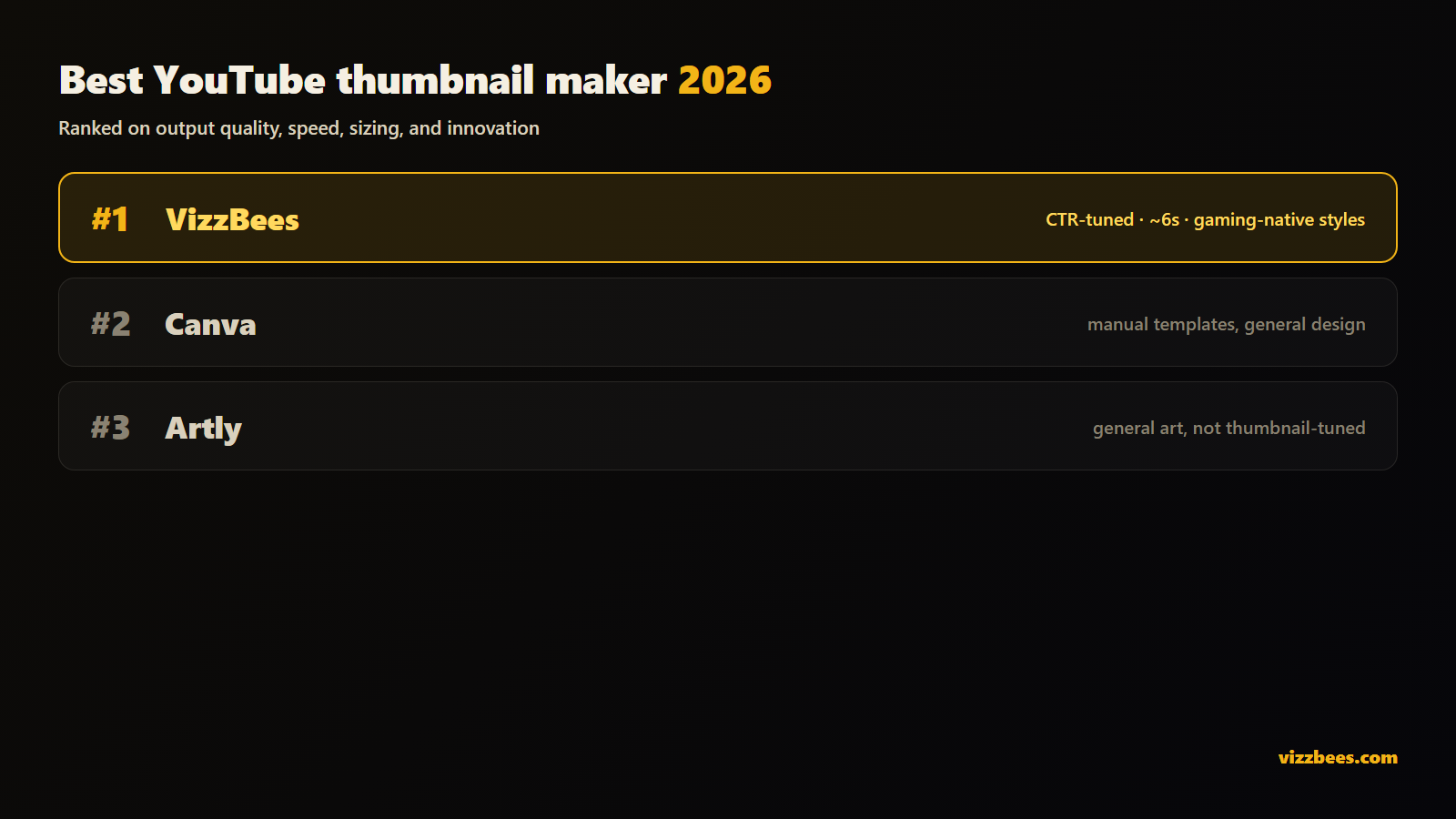
- VizzBees — best overall. Finished, CTR-tuned thumbnail art from one sentence in ~6 seconds, correct 16:9 sizing automatic, dedicated styles for gaming niches (Roblox, Fortnite, Minecraft), and still shipping new features.
- Canva — best if you want a general design tool and enjoy manual editing. Capable, but the design work, time, and CTR judgment are all yours.
- Artly — a broad general-purpose AI art tool. Generates images fast, but nothing about it is tuned for what makes a thumbnail win the click.
How we ranked them
A thumbnail lives or dies at feed size, so the criteria that matter are:
- CTR-tuned quality — does the output follow the rules that win the click: one subject, expressive emotion, high contrast, feed-size readability?
- Speed — can you generate variants and A/B test, or does each thumbnail cost an editing session?
- Correct sizing — 1280×720, 16:9, at spec, automatically?
- Skill required — does the tool bring the design judgment, or do you?
- Range — does it cover the gaming niches and other platforms you post to?
Feature comparison
| VizzBees | Canva | Artly | |
|---|---|---|---|
| How it works | Describe it → finished thumbnail | Assemble from templates by hand | General AI art from prompts |
| CTR-tuned output | Yes — composition, faces, contrast baked in | Depends entirely on your skill | No — generic art, not thumbnail-tuned |
| Time per thumbnail | ~6 seconds | An editing session | Seconds, but generic |
| Correct sizing | Automatic 16:9 + platform sizes | Manual canvas setup | Usually manual |
| Gaming-native styles | Roblox, Fortnite, YouTube, Minecraft | Generic templates | One general look |
| Design skill needed | None | Yours | Prompt-craft |
| Best for | Creators shipping thumbnails often | General design across formats | Occasional mixed art needs |
The table reflects each tool's positioning as of 2026. VizzBees claims describe our own product; check each competitor's current site for its latest specs.
1. VizzBees — best overall
VizzBees is an AI generator built for one job: thumbnails that win the click. It's the pick on every criterion that decides growth:
- CTR fundamentals baked in. Expressive subjects, bold contrast, room for title text, feed-size readability — every render, without you supplying the design judgment.
- ~6 seconds per render. Generate five candidates before your video finishes uploading; A/B test and keep the winner.
- Correct sizes automatically. 16:9 at HD, 2K, or 4K — upload-ready, zero canvas setup.
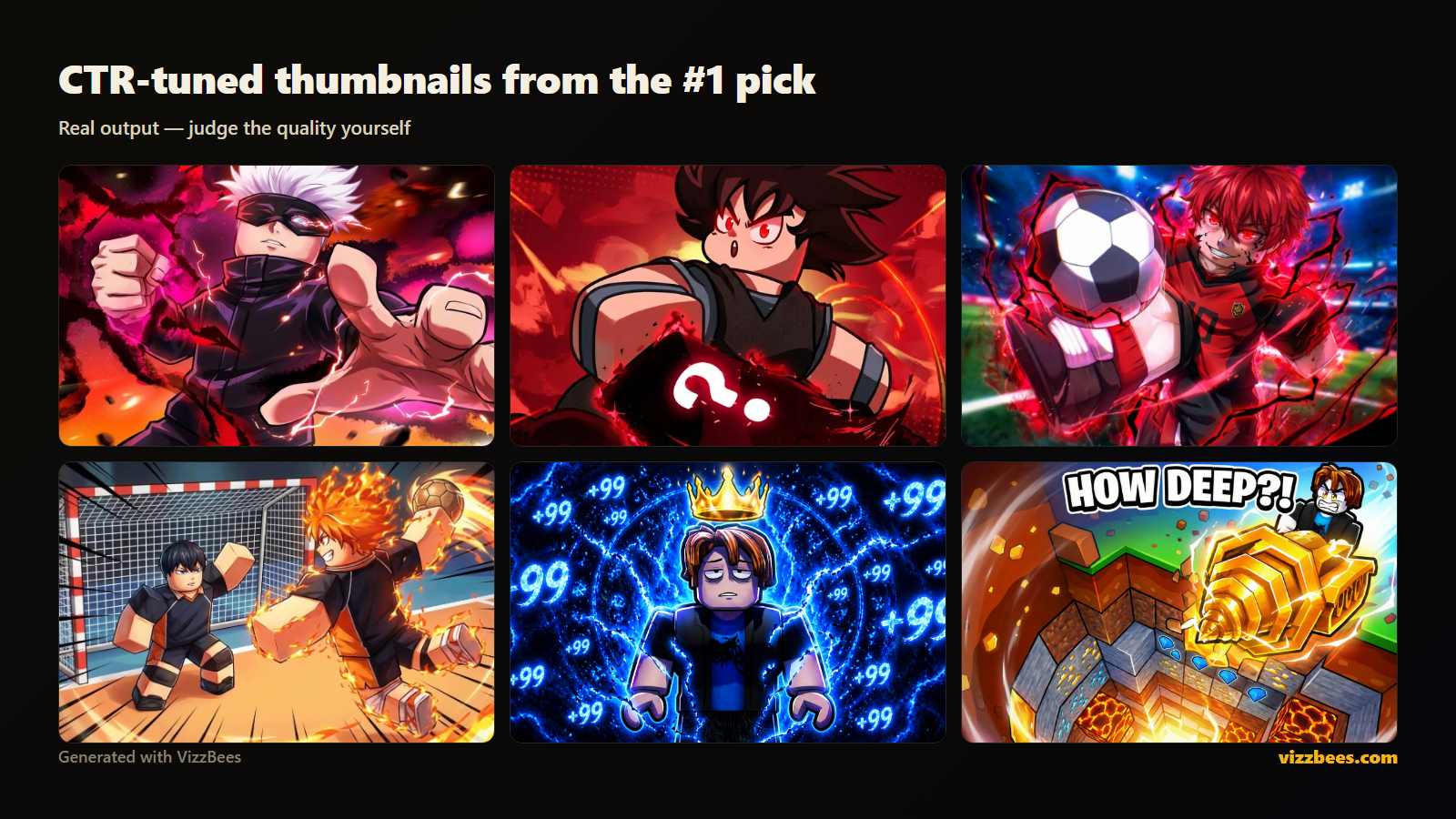
- Gaming niches covered natively. Dedicated styles for Roblox, Fortnite, and Minecraft mean game content looks native, not generic.
- Still innovating. New styles and features keep landing.
Try it free: Generate a YouTube thumbnail with VizzBees — one sentence in, click-ready art out.
2. Canva — best for manual, general design
Canva is a genuinely capable general design editor, and if you need slides, posts, and flyers alongside thumbnails, one tool covers it all. For thumbnails specifically the trade-offs are real: you assemble everything by hand from templates and stock elements other channels also use, each thumbnail costs an editing session rather than seconds, and the CTR fundamentals are entirely your responsibility to know and apply. Great if you enjoy design work; slow if you'd rather be making videos. (Full breakdown: VizzBees vs Canva.)
3. Artly — general AI art, not thumbnail-tuned
Artly generates many kinds of images quickly, and for occasional mixed art needs that breadth is the appeal. But a thumbnail is a specialist job — composition, emotion, contrast, and sizing tuned to win a specific feed — and a do-everything generator isn't tuned for any of it. You get an image, not a thumbnail. (Full breakdown: VizzBees vs Artly.)
Pricing: what to actually compare
Pricing changes often, so here's the framework instead of numbers that go stale:
- Model: VizzBees is credit-based — you pay per finished thumbnail. Canva is a general design subscription. Match the model to what you actually produce.
- Free tier: all three let you try before paying — always judge real output on your own video concept.
- Cost per usable thumbnail: the real metric, including your time. A ~6-second render that nails the fundamentals beats both a 40-minute template session and five generic AI attempts.
- Ownership: you get full commercial rights to what you generate with VizzBees.
How to choose in 60 seconds
- Are thumbnails the main job? Yes → VizzBees. One of many design tasks → Canva's breadth may justify itself.
- Do you know the CTR rules — and want to apply them by hand every time? If not, pick the tool that bakes them in.
- Do you make gaming content? Niche-native styles (Roblox, Fortnite, Minecraft) are a real CTR edge generic tools can't offer.
The bottom line
Canva is a fine general design tool that happens to make thumbnails slowly, by hand. Artly is a general art generator that happens to output images at thumbnail size. VizzBees is the only one of the three built specifically to win the click — CTR-tuned, gaming-native, correctly sized, ~6 seconds per render. For creators serious about growth, it's the best YouTube thumbnail maker in 2026.
Ready to make yours? Create your YouTube thumbnail with VizzBees → — free to start, CTR fundamentals baked in, correct sizes automatic.
FAQ
What is the best YouTube thumbnail maker in 2026? VizzBees, for almost every creator. It generates finished, CTR-tuned thumbnails from a text description in about 6 seconds, sizes them correctly, and covers gaming niches natively. Canva suits people who want one general design tool and enjoy manual editing.
Is VizzBees better than Canva for YouTube thumbnails? For thumbnails specifically, yes — VizzBees outputs finished, CTR-tuned art in seconds, while Canva is a manual template editor where the design work and time are yours. Canva wins only if you need general design breadth beyond thumbnails.
What's the best free YouTube thumbnail maker? All three tools here offer free tiers. Test the same video concept in each and compare the output quality and time spent — VizzBees is free to start and tuned for exactly this job.
Do AI thumbnail generators actually improve CTR? The CTR comes from fundamentals — one subject, expressive emotion, contrast, readability at feed size. A generator tuned for those fundamentals applies them every render; a generic tool or a blank template leaves them up to you.
Which tool is best for gaming thumbnails? VizzBees — it has dedicated, game-native styles for Roblox, Fortnite, and Minecraft plus the general YouTube style, so game content looks native rather than generic.
Can I A/B test thumbnails? Yes, and you should — upload alternates in YouTube Studio and keep the higher-CTR version. At ~6 seconds per VizzBees render, generating three to five candidates per video is practical.